






















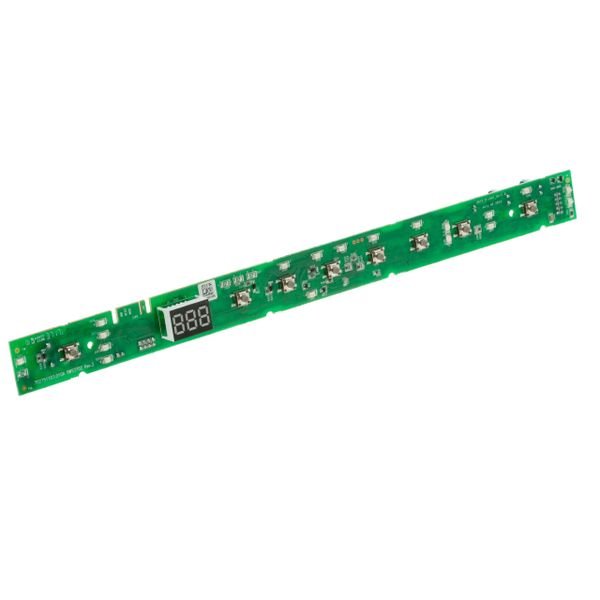
GE DISHWASHER CONFIGURED UI BOARD – WD21X31904
$128.56
- Genuine OEM Quality: These parts are manufactured by the same company that made your appliance, ensuring compatibility and performance.
- Perfect Fit: OEM parts are designed to fit your specific appliance model perfectly, reducing the need for modifications or adjustments.
- Optimal Performance: OEM parts deliver the same level of performance and efficiency as the original components, maintaining your appliance’s functionality.
Available on backorder
This is a genuine OEM part that works for some models of GE, and Hotpoint models. 1. Unplug the power from your appliance and turn off the water supply.
2. Use a wrench to remove the screws holding the old UI control in place.
3. Disconnect the old UI control’s electrical connections and remove them from the appliance.
4. Place the new GE WD21X26183 Configured UI Control in the same spot as the old one.
5. Connect the electrical connections to the new UI control.
6. Secure the new UI control in place with the screws.
7. Turn on the water supply and plug in the appliance.
8. Test the new UI Control by running a cycle.
Please keep in mind, these instructions are for general guidance and should always be used in conjunction with the manufacturer’s manual, if available. No more associated models for this part.
Only logged in customers who have purchased this product may leave a review.

Reviews
There are no reviews yet.